
Introduction
In the ever-evolving landscape of software development, the tools we use profoundly impact our productivity, workflow, and privacy. With this in mind, I have recently made the switch from Visual Studio Code (VS Code) to VSCodium, a transition motivated by a desire for a more tailored and privacy-focused coding experience.

What privacy concern with VSCode?
Microsoft’s VSCode source code is open source (MIT-licensed), and the product available for download (Visual Studio Code) is licensed under this not-FLOSS license and contains telemetry/tracking.
VSCodium is a free and open-source alternative to Visual Studio Code (VS Code), which is a popular code editor. doesn’t collect any data about how you use it, making it more private. On the Other hand, it works similarly and supports extensions, so you can customize it for your coding needs just like VS Code. It’s a good choice if you want a code editor that respects your privacy.
I wanna install it!
Step1 — Install HomeBrew
/usr/bin/ruby -e "$(curl -fsSL https://raw.githubusercontent.com/Homebrew/install/master/install)"Step2 — Run this command
brew cask install vscodium- installation for other platforms — visit this https://vscodium.com/
But what about my extensions and settings in VScode?
- Export your settings
cp ~/Library/Application\ Support/Code/User/settings.json ~/vscode-settings.json
cp ~/Library/Application\ Support/Code/User/keybindings.json ~/vscode-keybindings.json
Export extensions
code --list-extensions | tee ~/vscode-extensions.txtReinstall extensions for VSCodium
xargs -n1 codium --install-extension < ~/vscode-extensions.txtImport settings for VSCodium
mv ~/vscode-settings.json ~/Library/Application\ Support/VSCodium/User/settings.json
mv ~/vscode-keybindings.json ~/Library/Application\ Support/VSCodium/User/keybindings.json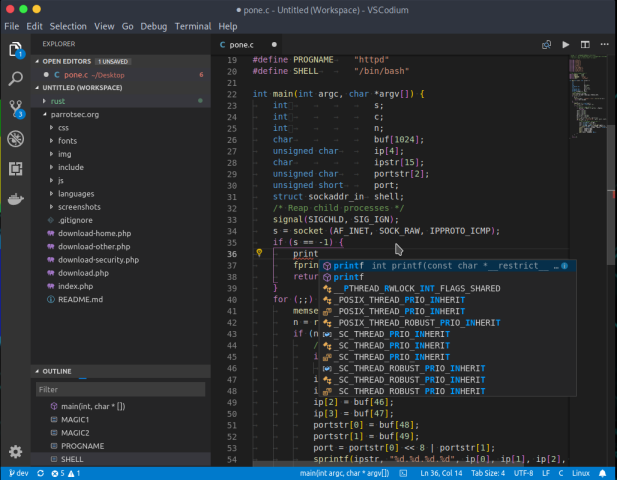
Conclusion
The decision to switch from Visual Studio Code (VS Code) to VSCodium represents a deliberate choice driven by privacy and customization considerations.
Though VSCodium supports almost all extensions that Vscode does few Microsoft-branded extensions are not available. So, If you are using such an extension then you are restricted to using VSCode.